Tasks
Everything in TasksPage starts with a task on the page. There are no projects to create first and no boards to set up: type, press Enter, and the task is saved on the server that instant. The first time you open the app without an account you get a few sample tasks so the page is not empty; delete them when you are done exploring.
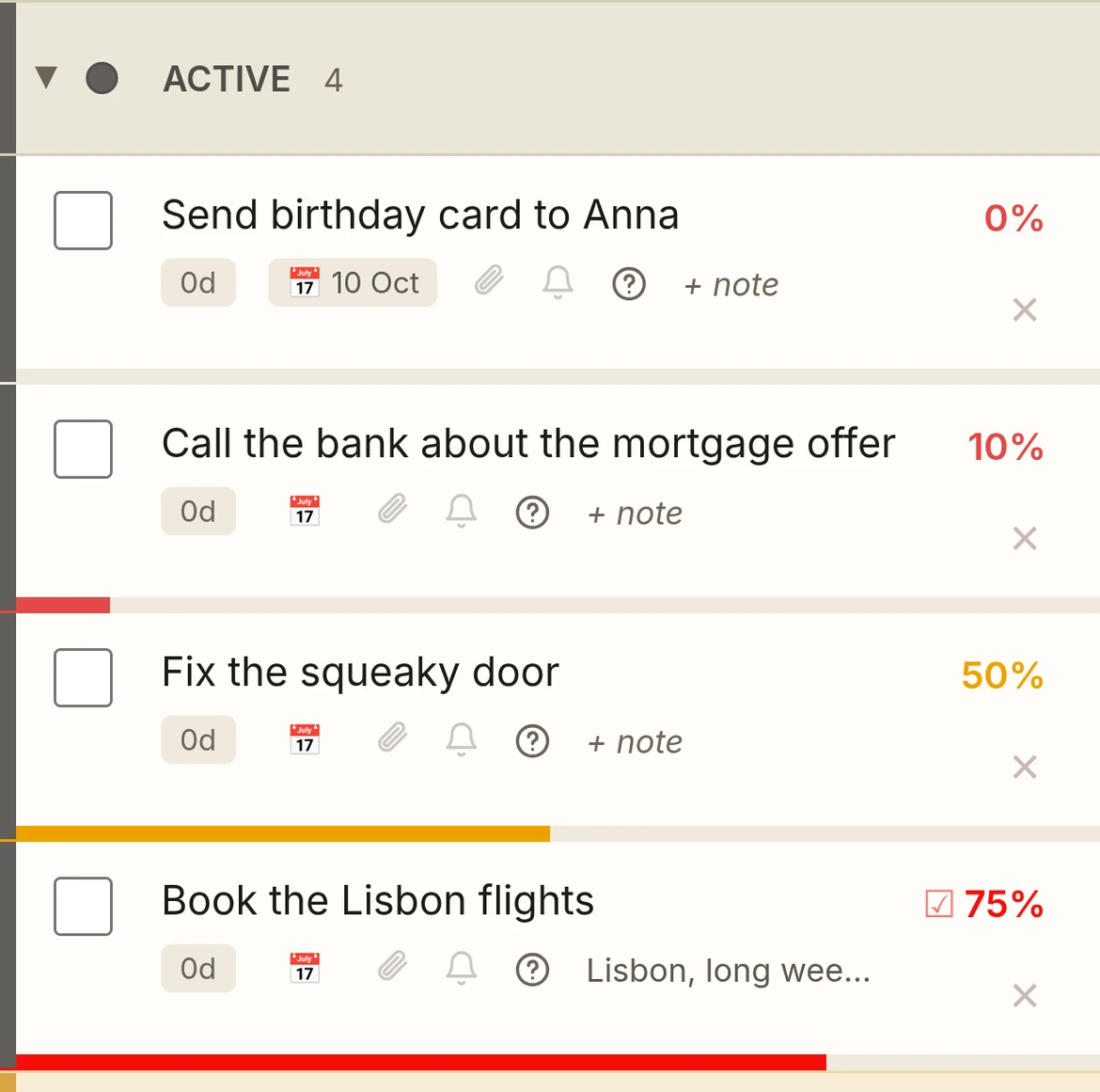
Add a taskType in the top bar, press Enter. Each category header has its own add bar too.
Edit a taskClick the name. Enter saves, Esc cancels.
Insert a linkWhile editing a name, note or question, highlight the text — a Link button appears above it; tap it and enter the URL. Desktop also has Ctrl+K. Bare URLs you type become clickable on their own.
Delete a taskHover the row and click the × on the right, or right-click → Delete task. Mobile: × is always visible, or long-press → Delete.
Mark importantClick the row number on the left, or right-click → Mark important. Mobile: long-press → Mark important. The name pulses red and glows until unmarked or done — impossible to miss. Pro feature.
Right-click menuRight-click any row for a quick menu: move between sections/categories, mark important, delete. Mobile: long-press the row.
ReorderDrag a task by its row and drop it where you want it, inside a section or into another category. The order is kept per list.
SearchThe search box filters the whole page as you type, matching task names, notes and questions. Clear it to see everything again.
Voice entry (Pro)Tap the microphone in the add bar and dictate. Filler words such as “um” and “so” are dropped before the task is saved.
My Words (Pro)Teach dictation your names and jargon so dictated tasks spell them your way — see My Words.
Natural-language add (Pro)Type “call the dentist tomorrow at 9” and TasksPage sets the reminder for you, leaving “call the dentist” as the task name.