Account & sync
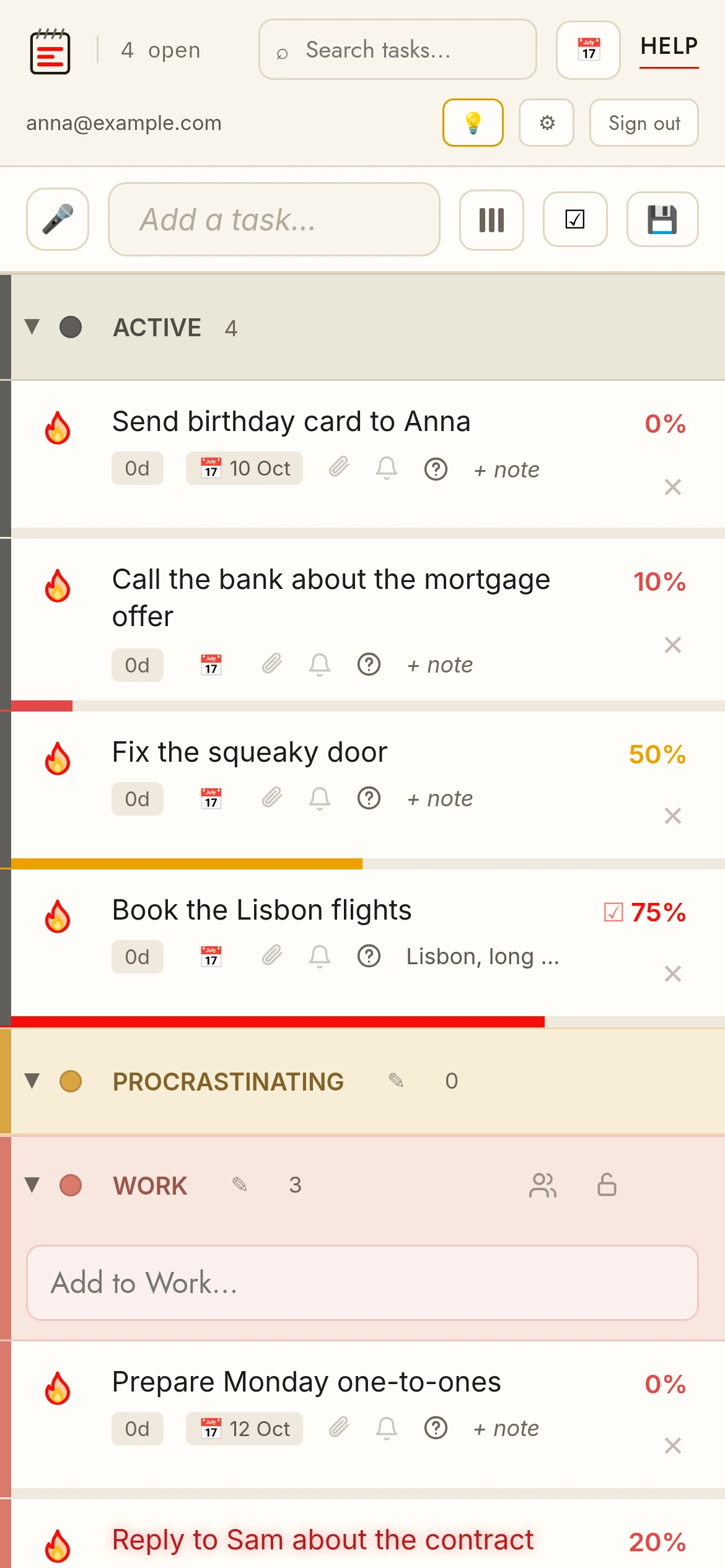
No accountYour list is saved on this device automatically. Nothing to set up.
Sync⇅ Sync → create a free account. Your current list becomes the account and follows you on every device. Attachments require this.
Free Pro (3 months)Every new list and account gets Pro free for 3 months, no card needed — the end date is in Settings → Plan. Afterwards you are on the free plan unless you subscribe; nothing is deleted. Reminders, Google Calendar sync and attachments need a free account, and attachments keep the free limits (5 MB per file, 50 MB) until you pay.
Request a featureSigned-in Pro users get a 💡 Feature button in the account row — tell us what's missing and we build reasonable requests within a week.
SettingsThe ⚙ Settings button opens your account: change password, plan, app language, light/dark theme, auto-lock, data export and account deletion — all in one place.