Due dates & recurring
Due dates are free for everyone; recurring tasks (Repeat) are part of Pro, next to reminders. A due date is a soft deadline shown on the row; a recurring task comes back on its own rhythm without you re-typing it. Clearing a due date is always allowed, on any plan.
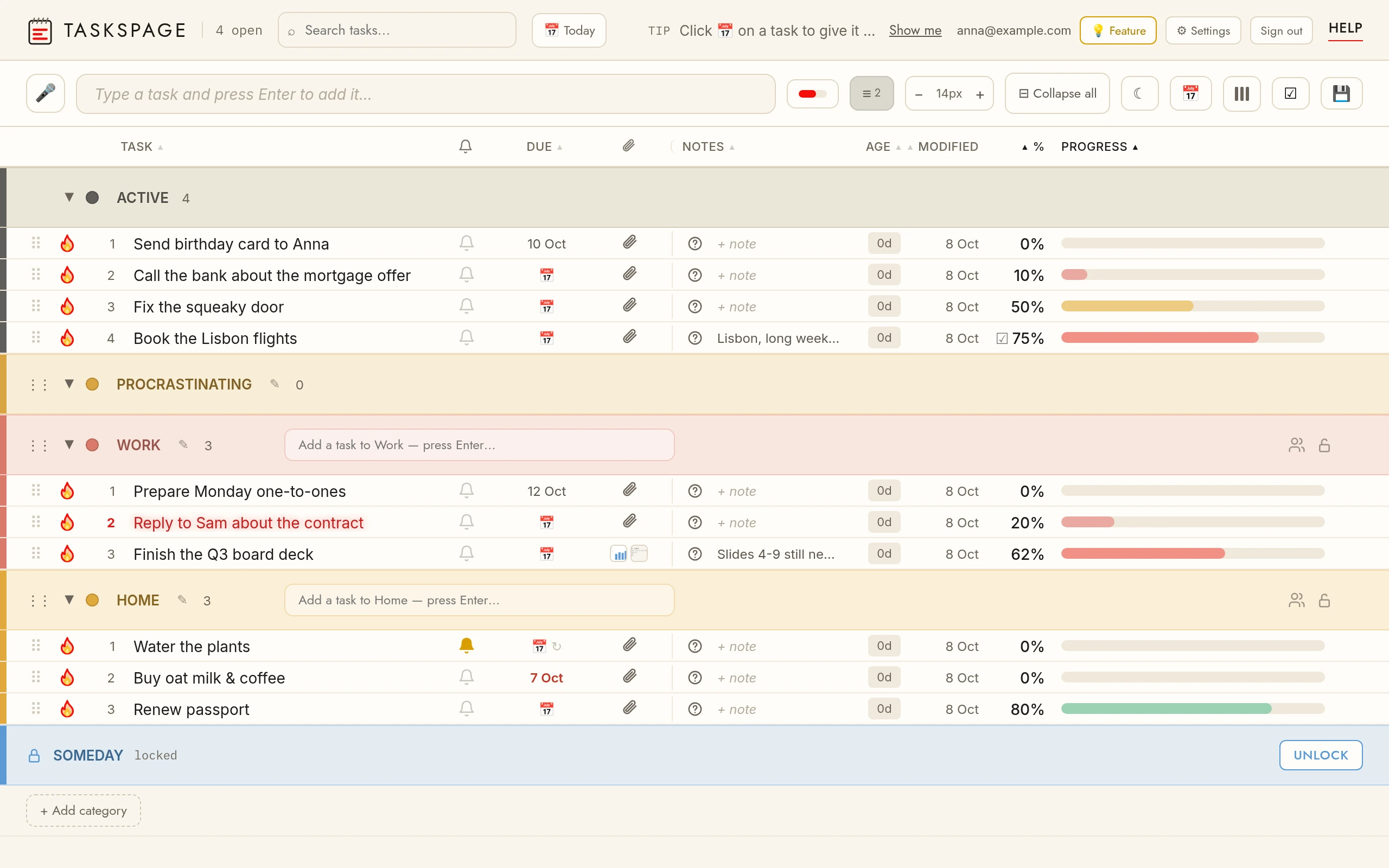
Due dateClick the due-date cell (📅) on a row and pick a date. Overdue tasks show the date in red; clear the date to remove it. Free on every plan.
Recurring taskRepeat is set in the reminder popup (🔔 → Repeat). A task with a due date and a Repeat rolls its due date forward with each occurrence; the due cell shows ↻. Pro feature.
Today viewThe Today chip next to the search box filters every section down to tasks due today or earlier, so the morning starts with one short list.
OverdueA due date in the past turns red on the row and on the phone card. Move it or complete the task and the colour goes back to normal.
Due vs reminderA due date is a date on the row; a reminder is a notification at a chosen time. A task can have one, the other or both.
Google CalendarTasks with a due date can appear as all-day events in their own “TasksPage” calendar in Google Calendar, and move when the due date moves. One-way, Pro. How Google Calendar sync works.