Notes, questions, attachments
A task is rarely just a name. Notes hold the status and the next step, questions hold what you still need to find out, and attachments keep the screenshot or file the task is about right next to it. All three are free; attachments need a free account so the files are tied to something more durable than a browser cookie, with 5 MB per file and 50 MB in total on the free plan and 25 MB per file and 5 GB on Pro.
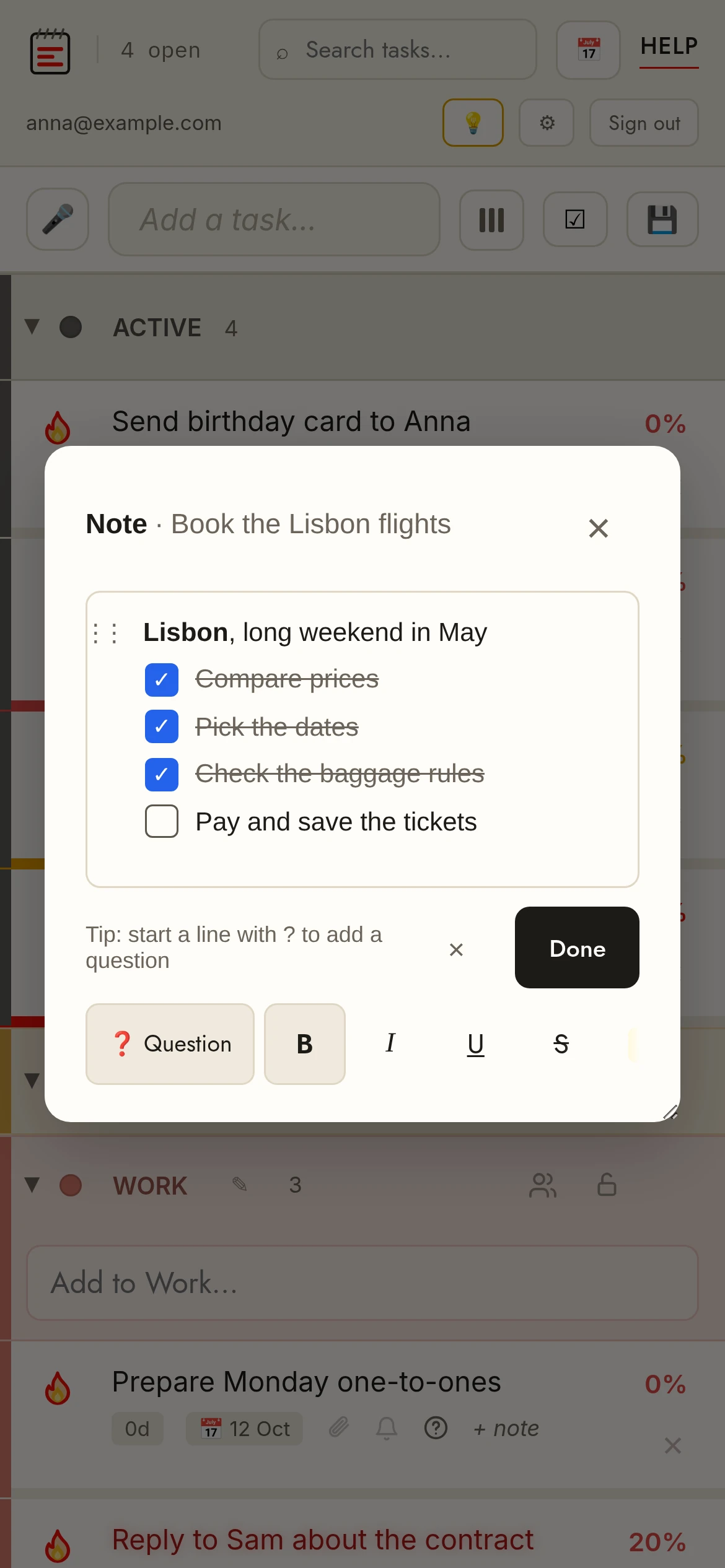
Status noteClick + note on a row to jot a note. Short notes edit inline; longer ones open in a pop-up editor. Notes show on the row and are searchable.
QuestionsQuestions live inside the note. Start a line with ? (or tap ❓ Question in the note editor) to make it a question — the task shows a red ❓ until you tick the box in front of the line to mark it answered. Hover or tap the ❓ on the row to see how many are still open.
Attachments 📎Click the paperclip on a row. Paste a screenshot with Ctrl+V, drag & drop files, or click to browse. Images, PDF, Excel, Word. Needs a free account (files are stored with your synced list).
Download allIn the attachments pop-up, ⬇ Download all saves every file on the task at once.
LinksHighlight a word in a note or question and use the Link button (or Ctrl+K on desktop) to attach a URL, so the page never fills with long web addresses.
Search inside notesThe search box matches note and question text as well as task names, so a task is found by what you wrote about it.
Attachment limitsFree: 5 MB per file, 50 MB in total. Pro: 25 MB per file, 5 GB in total. Images, PDF, Excel and Word files are accepted; the app tells you before an upload that would not fit.