Completing
Finishing a task should feel like something, so TasksPage gives you two ways to do it: the flame burns the row away with a short animation, the checkbox crosses it out. Either way the task lands in the Done section with its notes, attachments and history intact, and a six-second Undo appears in case you tapped the wrong row.
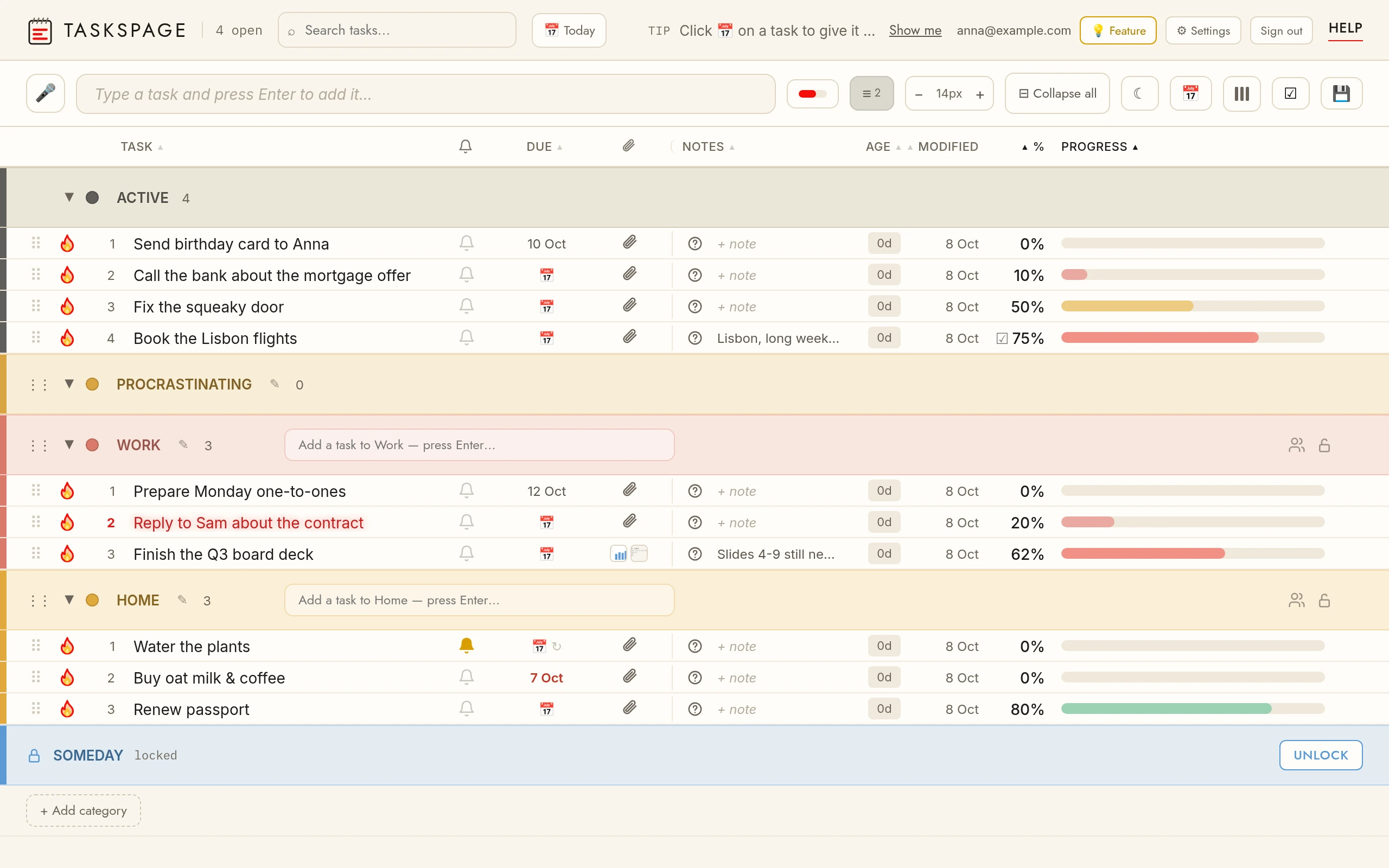
Burn / tickThe flame burns a finished task away with fire; checkbox mode crosses it out. The top-right toggle switches modes — it shows the mode you would switch to.
Undo doneOpen the Done section and uncheck the task — it returns to Active.
UndoAfter completing or deleting a task a small bar shows for six seconds with Undo. Tap it and the task returns exactly as it was.
Done sectionCompleted tasks collect in Done at the bottom of the page, newest first. Collapse the section to hide them; they remain searchable.
Recurring tasksCompleting a repeating task finishes only this occurrence: a copy is kept in Done as history (marked ↻ with its date) and the task itself comes back for the next one — its reminder and due date move on. Undo right after reverses both.